> ## Documentation Index
> Fetch the complete documentation index at: https://docs.refuel.ai/llms.txt
> Use this file to discover all available pages before exploring further.
# Documents and Images
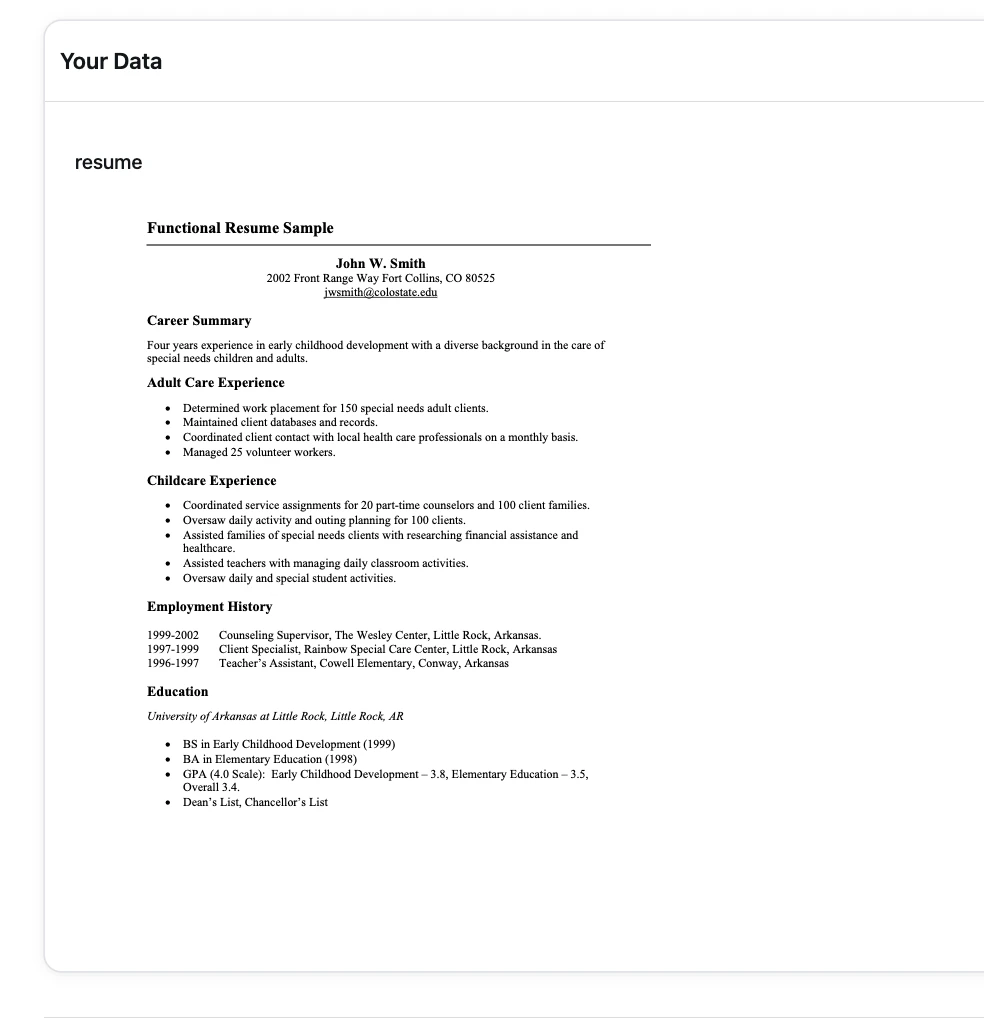
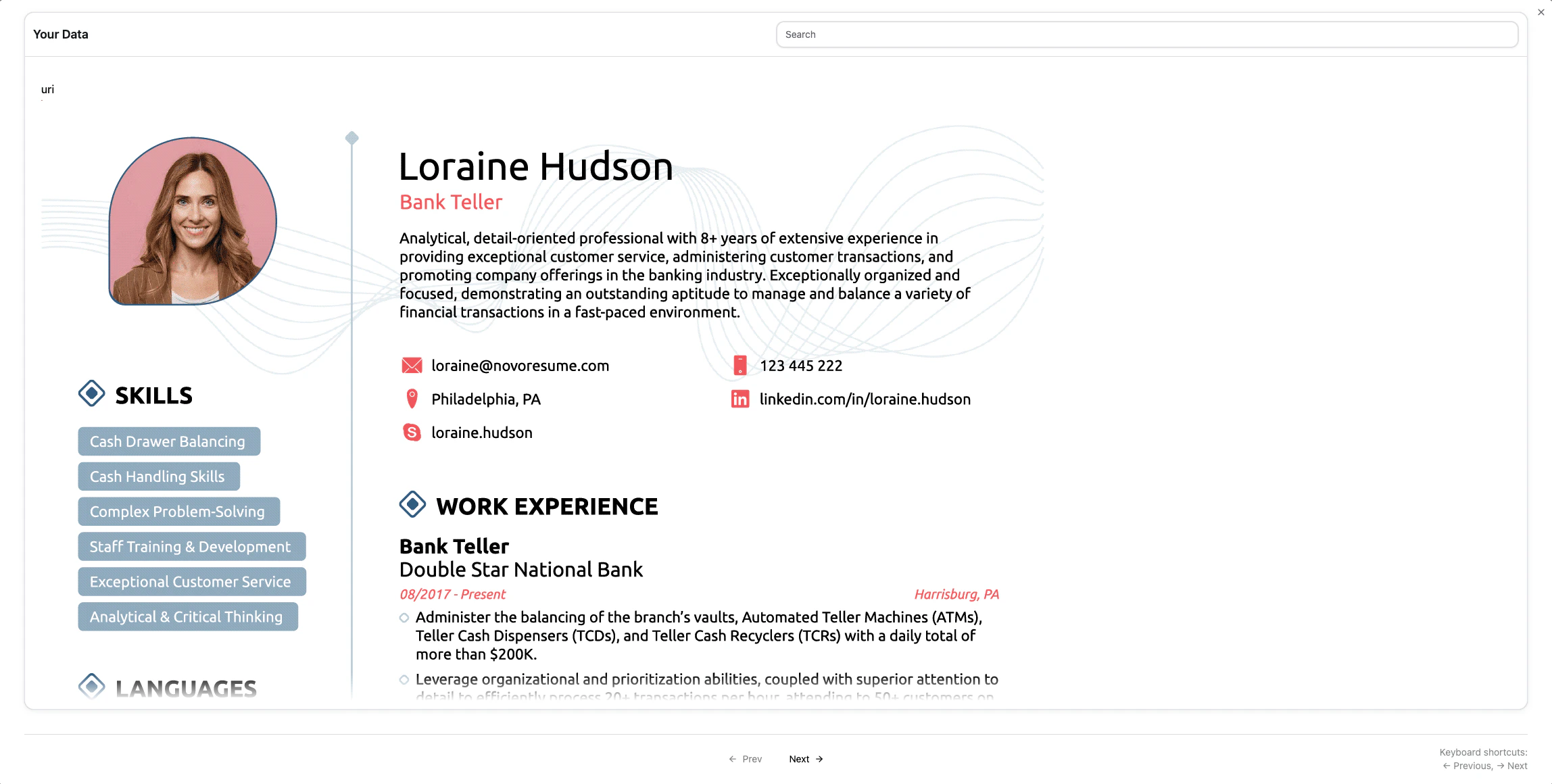
With Refuel, you can upload a CSV containing images or PDF documents and using Text Recognition, we will be able to parse the text from the Image/PDF.
The Images or PDFs can be present as Web URIs or Cloud URI (S3, GCS). If using Cloud URIs, please setup the [Cloud Integration](/integrations/cloud_storage) so we are able to access the URIs.
### Dataset with PDF documents
 ### Dataset with Images
 Note: In order for the LLM to use the text from Images or PDF documents, please make sure to add Text Recognition Enrichment in your Labeling Task.
This documentation is built and hosted on [Mintlify](https://mintlify.com), a developer documentation platform.
Note: In order for the LLM to use the text from Images or PDF documents, please make sure to add Text Recognition Enrichment in your Labeling Task.
This documentation is built and hosted on [Mintlify](https://mintlify.com), a developer documentation platform.